Tempo Tempo

Temporal in Your Pocket

Don't let distance keep you from your workflows. Tempo brings the full power of Temporal to your mobile device. Monitor executions, investigate failures, and take action from anywhere. Because the best observability tool is the one you can take with you.

App Store

Install on Linux

curl -fsSL https://miketoscano.com/tempo/install.sh | bash

Install on Android

  1. Download the APK: Tempo.apk
  2. Enable "Install from Unknown Sources" in Android settings
  3. Verify SHA256: Loading...
  4. Install the APK on your device
Tempo App

All of Temporal with no commitments to your desk

No compromises. Tempo delivers powerful, polished, and portable Temporal access that's easy to use for anyone

Complete Execution Visibility

From high-level workflow status to granular event timelines, see everything happening in your Temporal cluster. Filter, search, and drill down into the details that matter most.

Real-Time Actions

Respond to production issues without scrambling for a laptop. Send signals, terminate workflows, and trigger operations instantly. Your on-call team will thank you.

Smart Search & Filtering

Find what you're looking for fast. Search by workflow ID, type, or status. Tempo's intuitive filters help you zero in on issues before they become incidents.

Your Infrastructure, Your Rules

Connect directly to your Temporal deployment. Tempo provides gRPC-based connectivity to your Temporal cluster, allowing it to function on the same port as your workers.

Fast, powerful, and portable access to Temporal

Tempo is the Temporal UX you wish you had yesterday

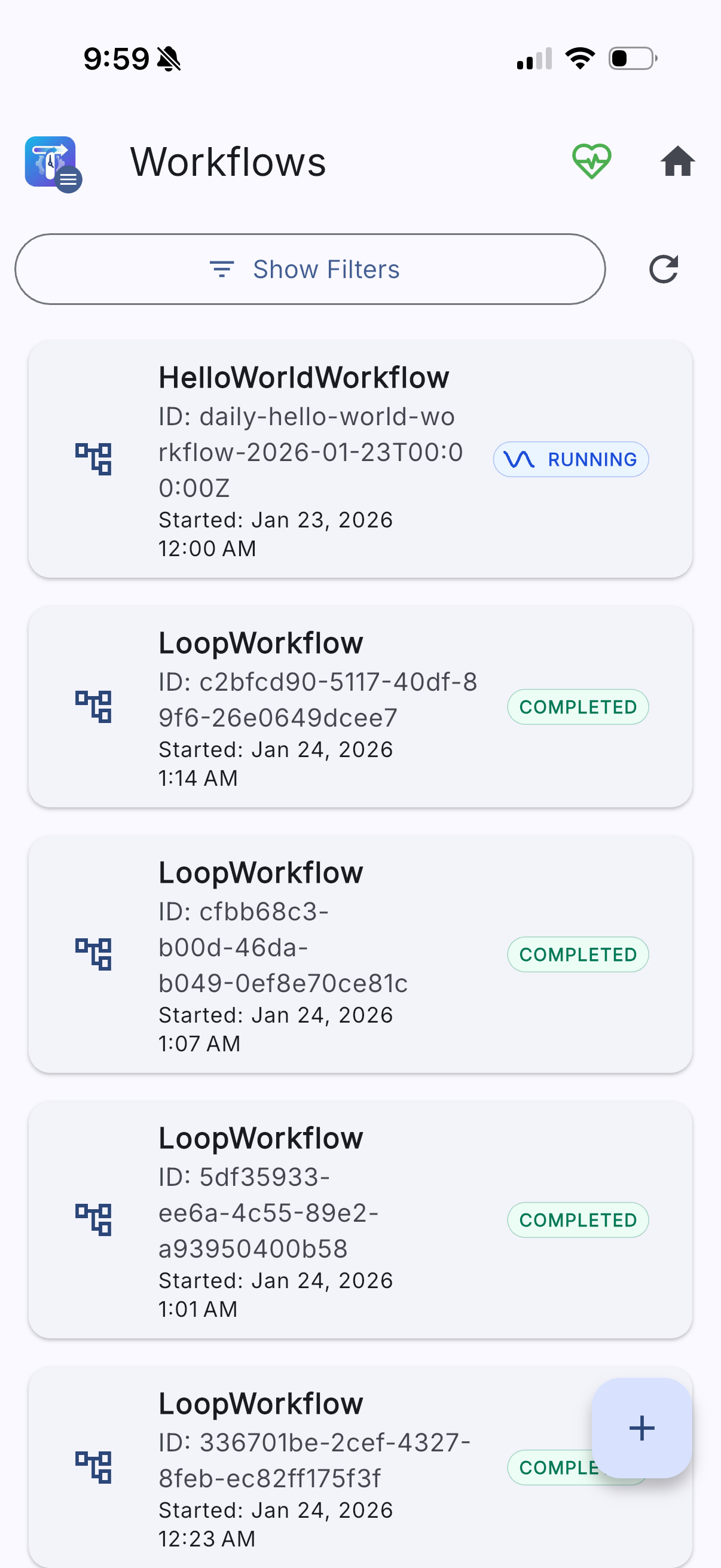
Your Workflows at a Glance

Browse active, completed, and failed workflows in one streamlined view. Filter by status, search by workflow ID, and launch new executions all from your pocket.

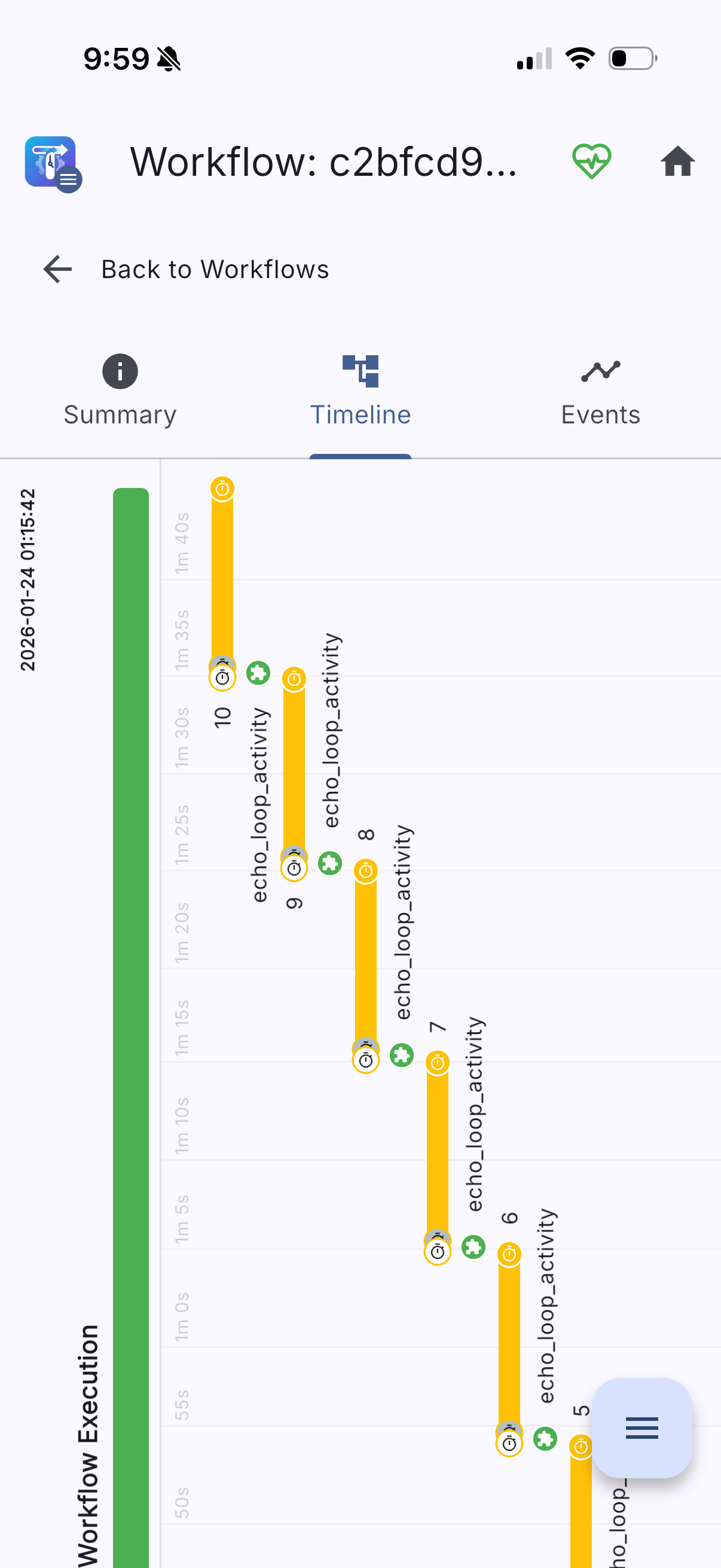
Deep Dive into Every Event

Trace every step of your workflow execution with a visual timeline that makes sense on mobile. See the full story of what your workflows are doing.

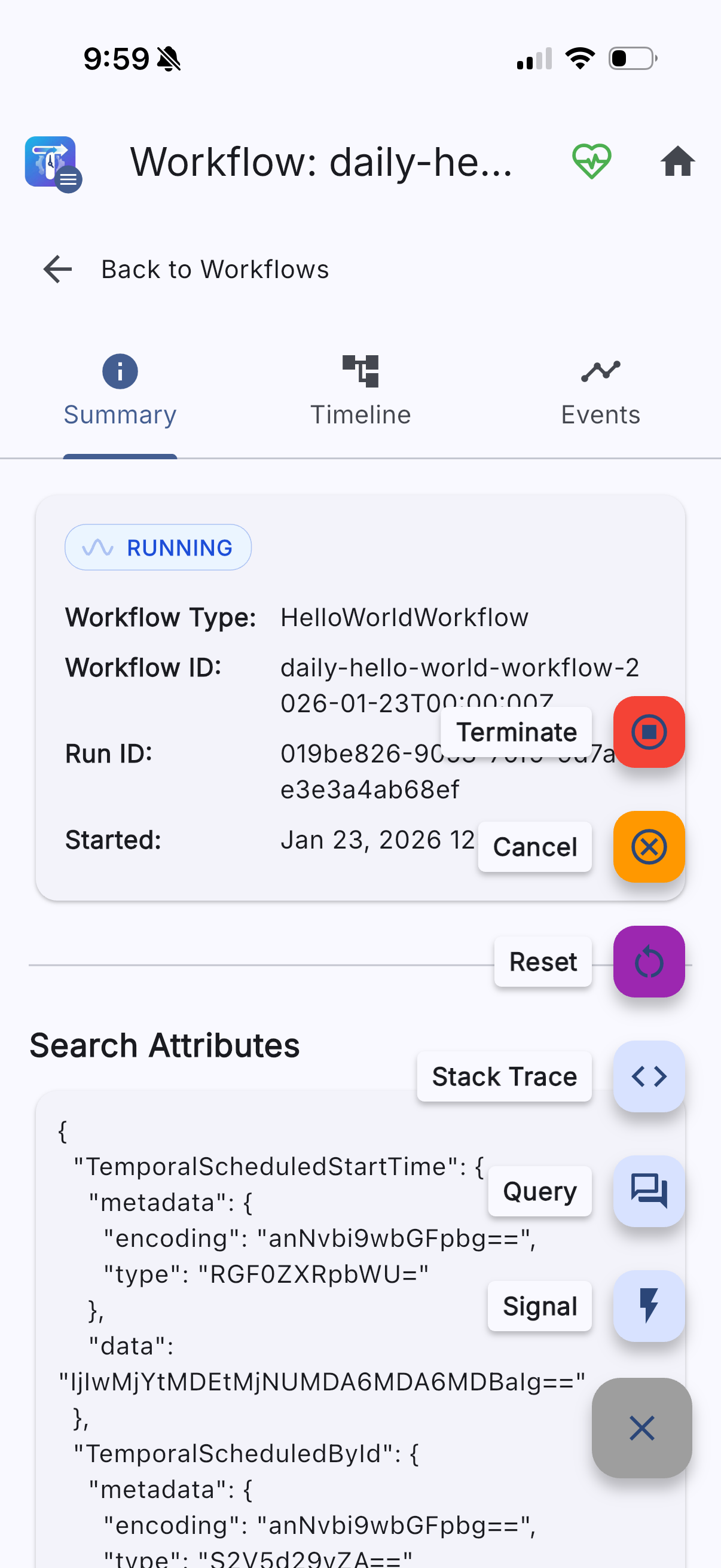
Take Control When It Matters

Don't just observe...act! Terminate runaway workflows, send signals, query state, or trigger retries. Respond to incidents from anywhere.

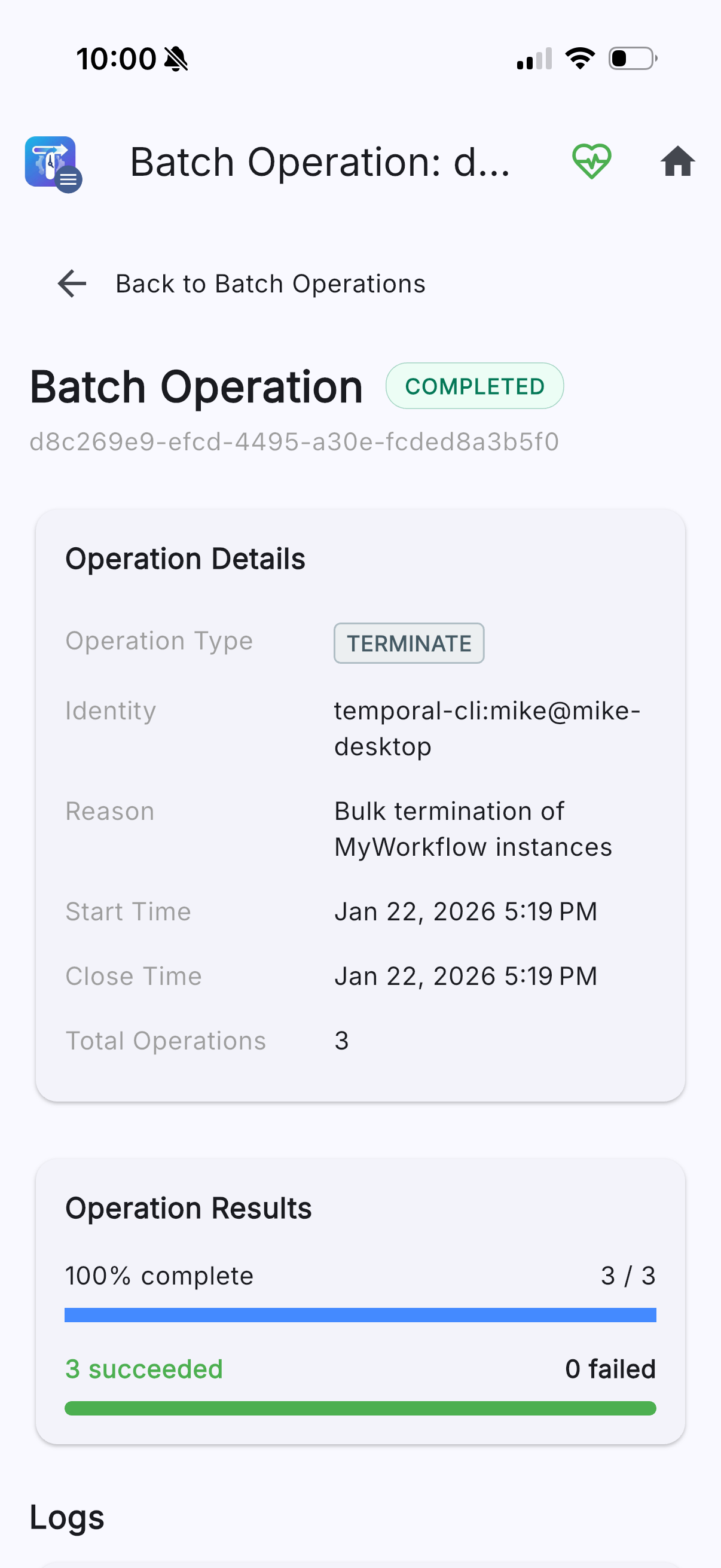
Batch Operations Made Simple

Track the progress of bulk workflow operations in real-time. Monitor success rates, view logs, and understand how your batch jobs are performing.

Schedule Management On the Go

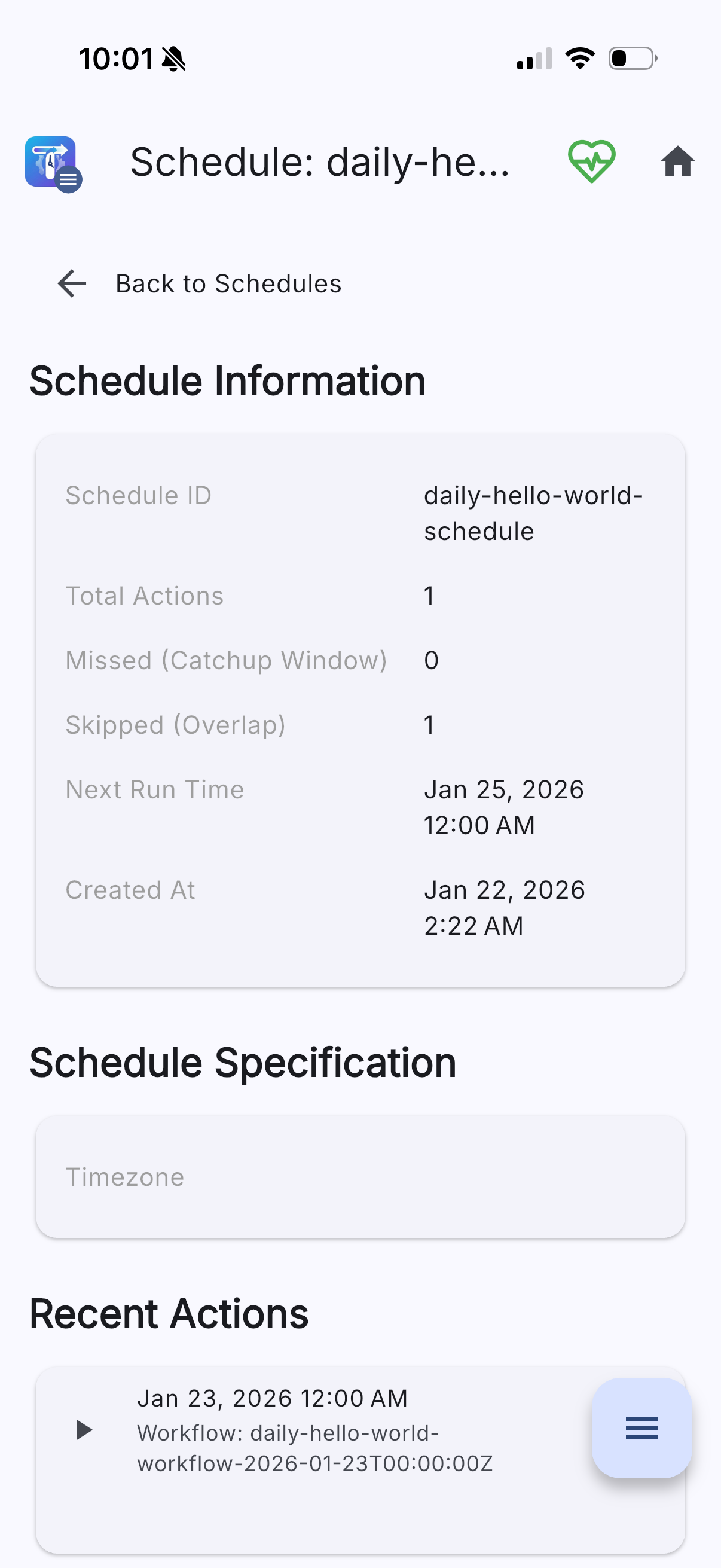
Keep tabs on your scheduled workflows without missing a beat. View upcoming runs, check execution history, and understand schedule cadence.

Everything You Need, Right Where You Need It

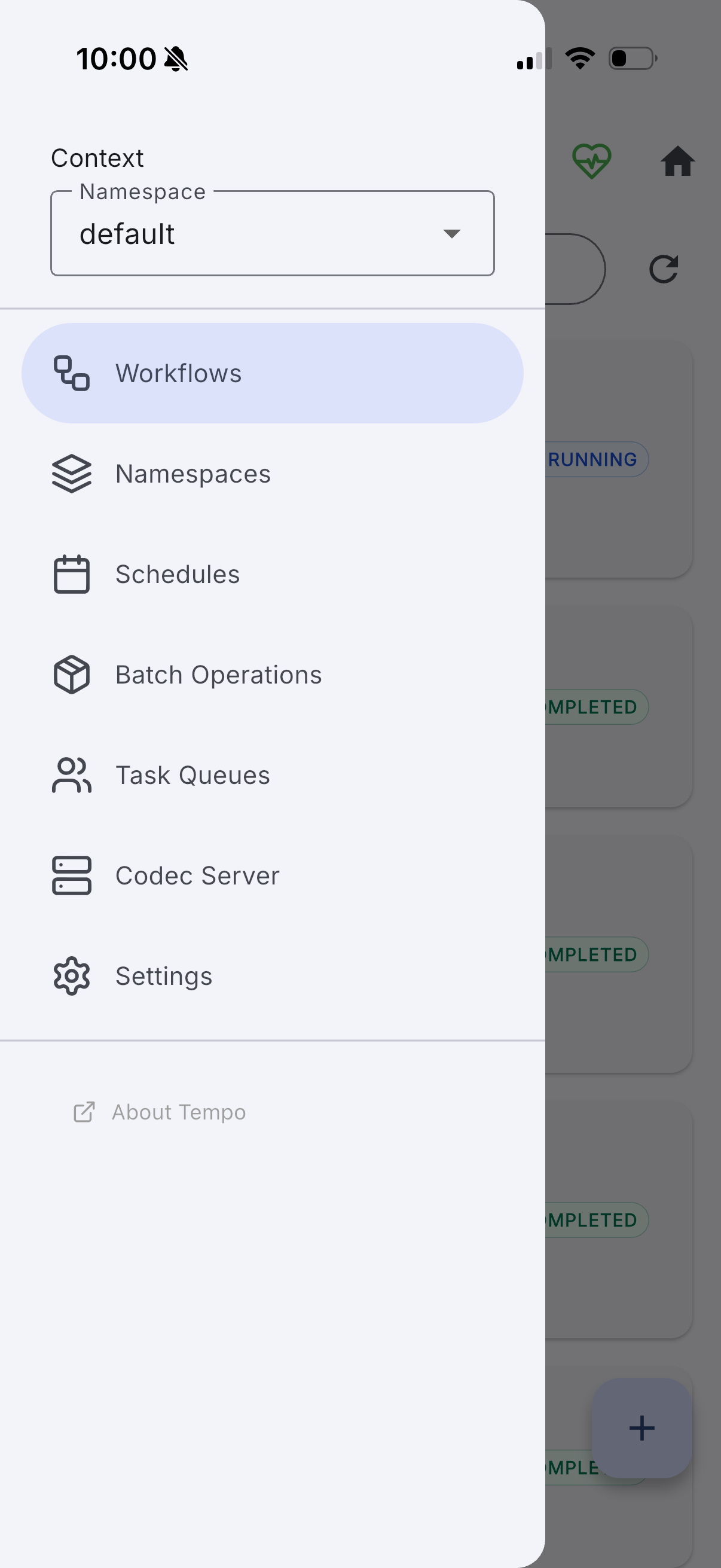
Navigate seamlessly between workflows, schedules, batch operations, and settings. Every feature within reach.

Workflow List Event Timeline Workflow Actions Batch Operations Schedule Details Menu Navigation

For Teams That Never Stop

Whether you're on-call, debugging in production, or checking in on a deployment, Tempo keeps you connected to your workflows.

Platform Engineers

Monitor workflow health across your entire infrastructure. Track batch operations, verify schedules, and ensure your Temporal deployment is running smoothly, all while away from your desk.

Developers

Debug workflow failures with full event timelines and payload inspection. Quickly identify the root cause of issues and take corrective action without waiting to get back to your IDE.

On-Call Teams

Respond to alerts instantly. View workflow status, terminate stuck executions, and send signals to recover from failures,all from the device already in your hand when you get paged.

Copied to clipboard!